


Close Account
This article explains how to close an EasyChair account.
Only the account owner can delete the account. To delete your account,
- Log in to EasyChair
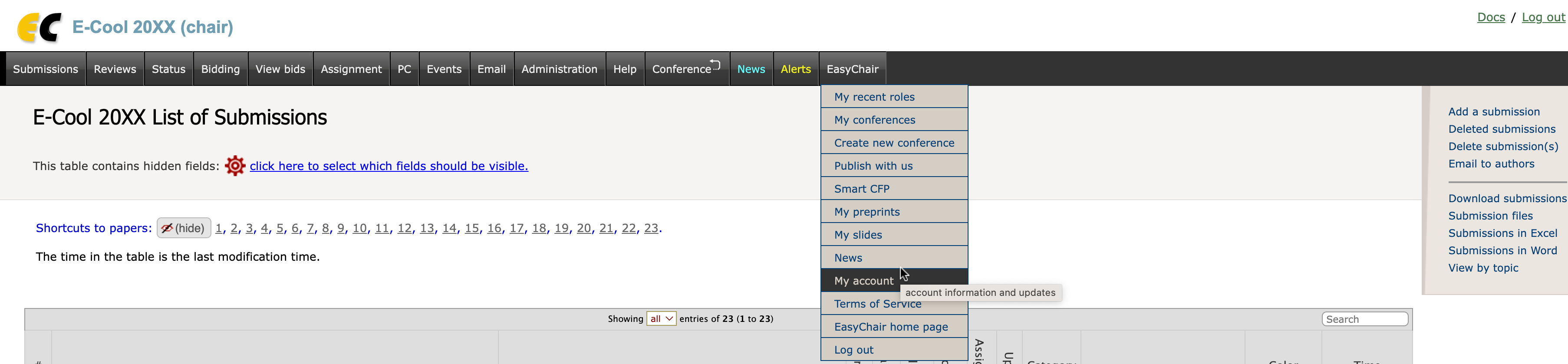
- Select the menu tabs "EasyChair" -> "My account"
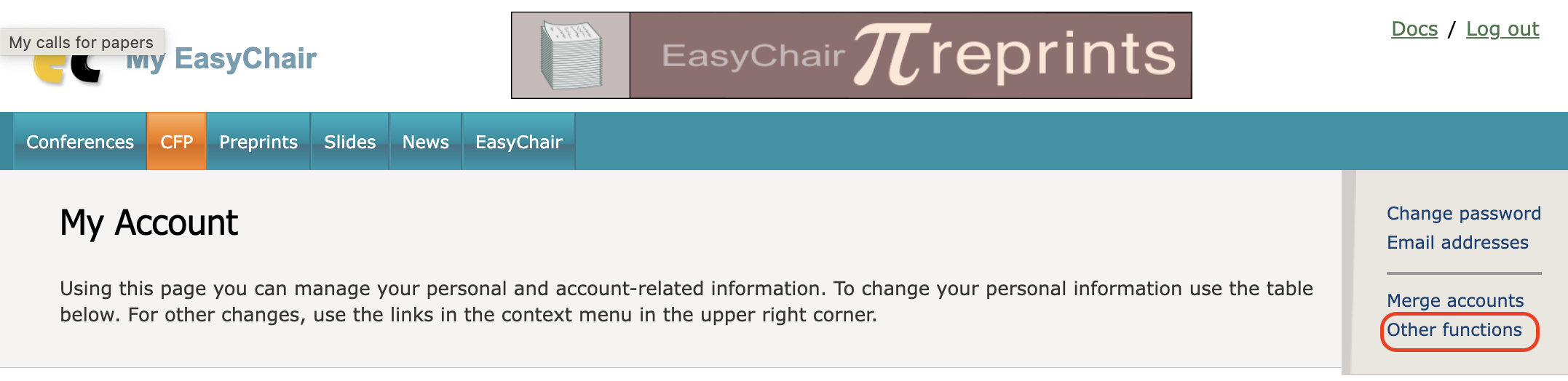
- Follow ‘Other functions’ link displayed in the context menu which is located in the upper right corner on the page
- Click on "Other functions" in the context menu
- Follow the link to delete the account.
Please note that you cannot delete an account when you have an active EasyChair role (a role in a currently active conference). You should either remove this role when you can do so (for example, withdraw your paper if you are an author) or contact the conference chairs to remove you from the conference (for example, when you are a reviewer)